Everything SMEs Need to Know About Printing Efficiency
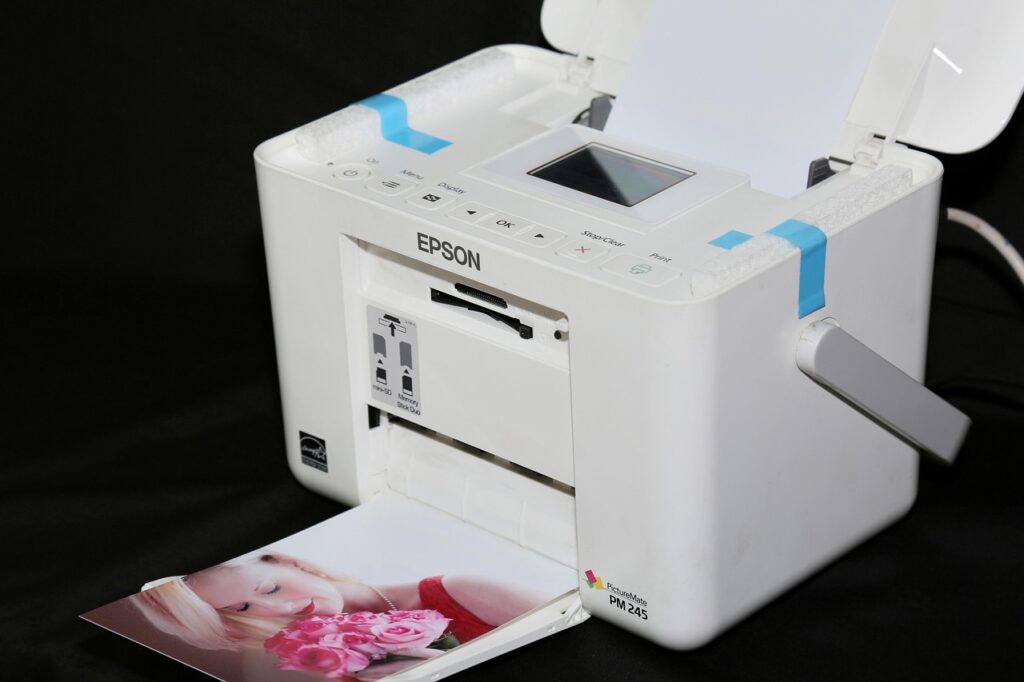
For SMEs in the UK, keeping operational costs low while maintaining high standards is crucial to success. Printing is an area where businesses often overspend, whether through inefficient processes, excessive ink usage, or outdated equipment. By improving printing efficiency, SMEs can reduce waste, save money, and maintain the quality needed for professional business operations.
This guide explores the key factors that impact printing efficiency and offers practical strategies to help small and medium-sized businesses optimise their printing processes.
- Assess Your Printing Needs
Before making changes, it’s important to understand your business’s actual printing requirements. Consider:
- How much printing is done daily, weekly, or monthly?
- What types of documents are printed most often (e.g. invoices, contracts, marketing materials)?
- Do all employees need access to a printer, or can usage be consolidated?
By reviewing these factors, SMEs can eliminate unnecessary printing and identify areas where costs can be reduced without affecting productivity.
- Invest in the Right Printer
Not all printers are created equal. Many businesses struggle with inefficient machines that consume excessive ink, jam frequently, or slow down workflows. When selecting a printer, consider the following:
- Inkjet vs. Laser – Inkjet printers are great for high-quality colour prints, while laser printers are more cost-effective for high-volume black-and-white printing.
- Multifunction Capabilities – Investing in a printer with scanning, copying, and faxing features can reduce the need for multiple devices.
- Energy Efficiency – Choosing a model with an energy-saving mode can cut electricity costs.
Selecting the right printer based on business needs can drastically improve efficiency and reduce long-term expenses.
- Optimise Print Settings
Small changes in print settings can lead to significant savings. To make the most of every print job:
- Use draft mode for internal documents to save ink.
- Enable duplex (double-sided) printing to reduce paper waste.
- Print in grayscale when colour isn’t necessary.
- Adjust margins and fonts to fit more content on a page.
These simple adjustments can reduce ink and paper consumption while maintaining print quality for important business documents.
- Use High-Quality Ink and Toner
Cheap or low-quality ink may seem like a cost-saving measure, but it often leads to faded prints, smudging, and frequent cartridge replacements. Using reliable HP ink cartridges ensures long-lasting, high-quality prints that don’t require reprints, reducing overall ink consumption and minimising waste.
- Digitise Where Possible
One of the most effective ways to improve printing efficiency is to reduce reliance on physical documents. SMEs can switch to digital workflows for:
- Invoices and contracts – Use electronic invoicing and e-signatures instead of printed copies.
- Meeting notes and reports – Share documents through cloud storage or collaborative platforms instead of printing them.
- Marketing materials – Consider digital brochures and email campaigns rather than printed flyers.
By adopting a paperless approach where feasible, businesses can lower costs while improving accessibility and security.
- Implement Print Policies
Creating clear guidelines on when and how to print can help businesses control costs. A print policy might include:
- Setting print quotas to prevent excessive printing.
- Restricting colour printing to essential documents.
- Encouraging employees to proofread before printing to avoid unnecessary reprints.
Simple policies ensure that printing is purposeful rather than excessive, leading to long-term savings.
- Maintain Your Printer Regularly
A well-maintained printer runs more efficiently and reduces the likelihood of breakdowns or wasted ink. To keep printers in top condition:
- Regularly clean print heads and rollers.
- Update printer drivers and firmware.
- Use the correct paper type to prevent jams.
- Store ink cartridges properly to extend their lifespan.
Scheduled maintenance keeps printing operations running smoothly and avoids unnecessary downtime.
Summing Up
Printing efficiency is about more than just cutting costs – it’s about improving workflow, reducing waste, and ensuring high-quality outputs. By assessing printing needs, investing in the right equipment, optimising settings, and using high-quality ink, SMEs in the UK can achieve a balance between cost-saving and professionalism. A few strategic changes can make a big difference in overall efficiency, helping businesses to operate more sustainably while keeping budgets in check.